Add or void a member status or type record
As a Membership Staff member, I want to add or void a member's Status or Type record, so that their standing (active/inactive, member type) stays accurate as it changes over time.
Screen: Members > StatusType
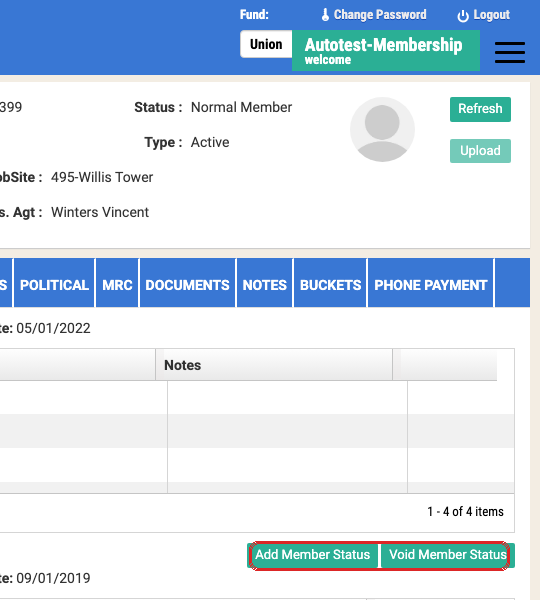
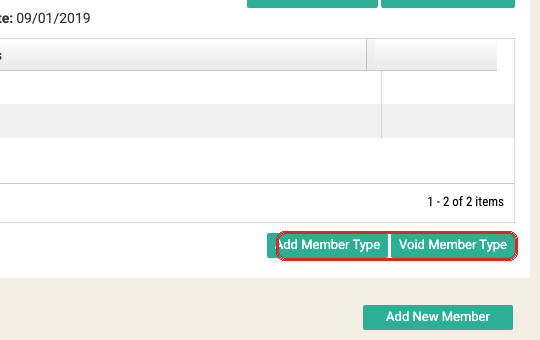
The StatusType tab holds two independent panels — current Status and current Member Type — each
with its own history grid and its own Add/Void actions. Membership Staff has Add/Update on all
four: Add Member Status, Void Member Status, Add Member Type, Void Member Type.
Key fields — Status panel: "Current Status" + Effective Date header; grid columns Effective Date, Status (e.g. "Current - Normal Member", "Hire No\app", "Non Member (for Training Only)"), Notice Date, Expiration Date, User Name, Notes.
Key fields — Member Type panel: "Current Member Type" + Effective Date header; grid columns Effective Date, Member Type (Current-Active / Inactive), Notice Date, Notes.
Future-dated status changes
The signed Union BLR calls for two related capabilities on this screen, not yet confirmed live in this project's crawl material: adding a status change with an Effective Date in the future (so a status change can be scheduled ahead of time rather than only entered the day it takes effect), and an automated background job that runs on its own schedule, checks for any future-dated status changes that have become due, and applies them so the member's current status stays correct without anyone having to remember to go back and flip it manually. The Effective Date field already present on the Status panel (see "Key fields" above) is the likely mechanism for the first half of this — worth confirming directly whether entering a future date there actually defers the change, rather than assuming it does.
Things to watch out for
Member Type doesn't drive dues — Trade Code does
Changing Member Type to something that sounds like it should suppress dues (e.g. setting it to Disabled) does nothing by itself. Dues rate and invoicing suppression are driven entirely by the member's Work record Trade Code (e.g. the DIS code). Prizm 2.20 automated the correct sequence — close the work record, add a DIS work record, and Member Type follows automatically — but changing Member Type alone, without touching Work, is a real way to leave a member mis-billed. (IUOE-2596)
A member with no current work record can still show a stale dues rate
If a member has no active Work record at all, the dues rate display can still show a leftover value rather than clearing — this is a known open gap, not something you're doing wrong when it happens. (companion case to IUOE-2596, filed as IUOE-2600)
Status, not Member Type, gates whether a duplicate can be merged
If this member is ever a candidate for Merge Duplicate Members, know that eligibility is gated on Status being one of the documented Inactive values (Unknown, Old Training Record, Deceased, Expelled, Withdrawal Card Granted, Transfer In, Suspended, Transfer Out) — some statuses that read as "inactive" in plain English (e.g. "Non Member (training only)") are deliberately coded Active so training/book payments can keep posting. Member Type is irrelevant to whether Merge will allow it. See Merge duplicate member records. (IUOE-2493)
A bucket's own status rules can look like a Status/Type bug but aren't
A Bad Check Fee bucket created for a Suspended member is correct per FDD Union 3.6 1.1.2 — Suspended is an explicitly allowed status for that bucket type, and the bucket itself never changes member status. Before filing a "shouldn't have allowed this" ticket against a status/bucket interaction, check the relevant FDD rule first — more than one case here turned out to be the UAT test case being wrong, not Prizm. (IUOE-2055)