Oversee contracts and jobsites across every local
As a Management user, I want to compare contract terms, rates, and jobsite standing across many locals and employers rather than just one assigned book of business, so that I can spot patterns or problems leadership needs to know about, not just answer a single one-off question.
Screen: Employers > Contracts (Contract Terms / Contract Roles / Rates / Dates / Jobsites tabs), Jobsite > (any site) (Details / Address / Contact / Site Management / Rates / Site Contacts / Comments / Documents tabs).
This is exactly the same screens and exactly the same View Only access as the Business Agent
pages for this subject — the only thing that changes for Management is scope: Fund All instead
of Fund Union, so you're not limited to one assigned local's employers and jobsites. The
field-by-field detail already lives in
Review a contract's current rates and terms
and Log a jobsite visit note — this page is
about the oversight framing, not a re-explanation of those tabs.
What that means in practice
- Contracts — Contract Terms, Contract Roles, Rates, and Dates are all
View Onlyfor Management, identical to Business Agent. Add Contract, editing Contract Terms, adding Contract Roles/Rates/Dates are allNonvisibleentirely. Jobsites (the tab listing a contract's sites) isView Onlyfor every role, including Super User. - Jobsite — Details, Address, Contact, Site Management, and Rates are
View Only; Add Job Site, Add New Address, Add New Contact, Add Management company, and Add Rate are allNonvisible. Site Contacts, Comments, and Documents are the onlyAdd/Updatetabs — same as Business Agent, so a visit note, a new site contact, or an attached document are things you can actually write, not just read. - Members (on a jobsite record) is
View Onlyfor every role, Super User included — it's a roll-up, not an assignment screen.
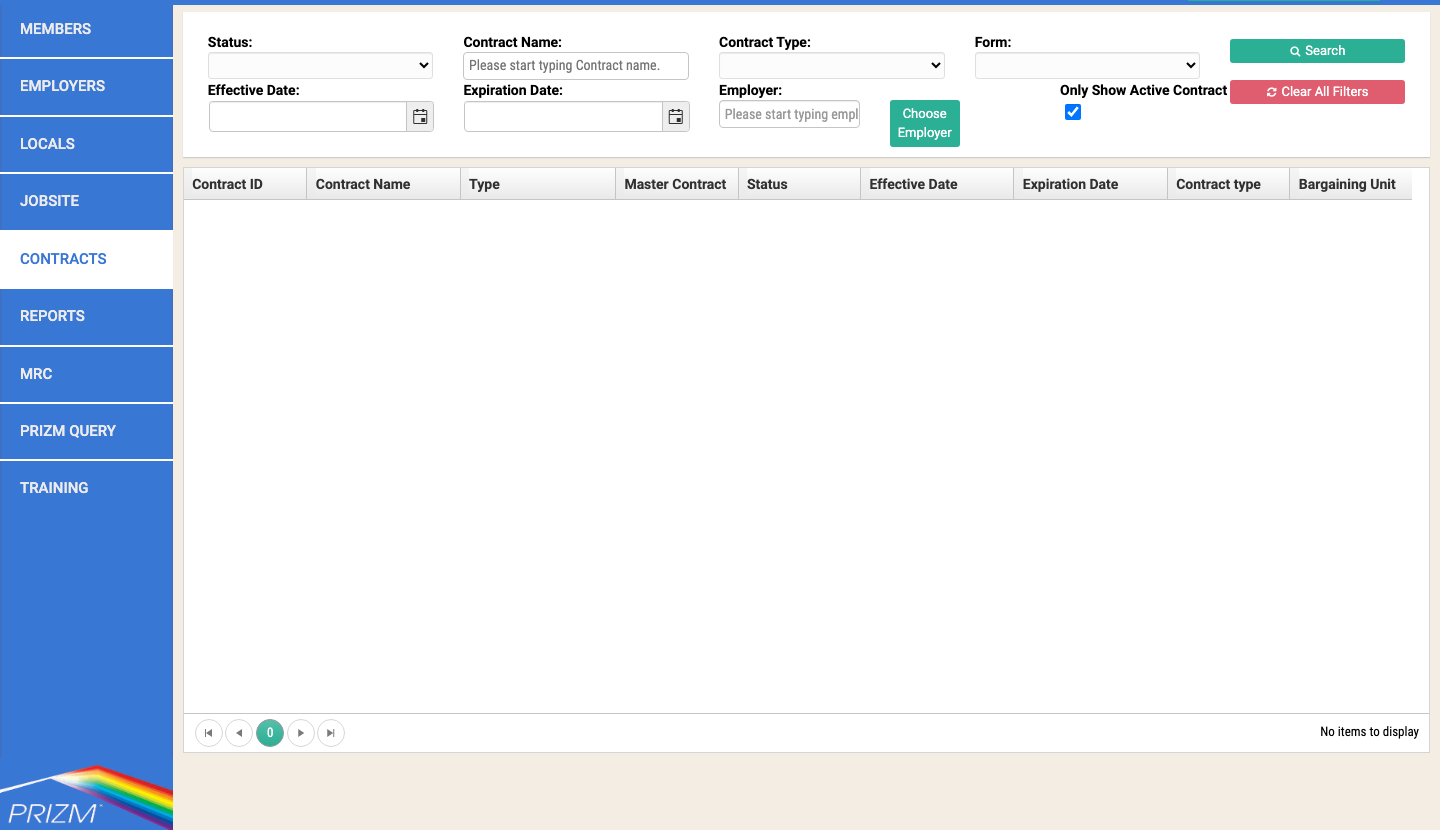
Because your Fund scope is All rather than one local's book of business, the oversight value is
in comparing across records — e.g. pulling the same Rates tab for several employers under
different locals back-to-back to check consistency, or skimming Comments across several jobsites
to see whether a pattern (a recurring safety note, a stalled site contact) is showing up in more
than one place — rather than any different screen or field than Business Agent has.
Everything here is read access, by design
If a contract term, rate, date, or jobsite detail actually needs correcting, that's a Contract-role or Super User action, not yours — regardless of how many locals you can see, you still can't edit any of them. Log what you found (a Comment on the jobsite, or a note to the Contract role/Super User) rather than looking for an edit control that isn't there.
Things to watch out for
This is the same access as Business Agent — don't expect extra fields
Confirmed by a column-by-column diff of the Roles & Security Matrix: Management's row is identical to Business Agent's on every Contracts and Jobsite line. If a screen looks like it's missing something you expected, that's true for Business Agent too — it's not a Management-specific gap.
Accounting, Utilities, and Maintenance are hidden the same way they are for Business Agent
If an oversight question actually requires one of those modules (an invoice discrepancy, a deposit, a system admin setting), that's outside both roles' access — see Know when to hand off to Accounting, whose hand-off list applies to Management word-for-word.