Build and finalize an invoice
As a member of Accounting Functions, I want to create an invoice for a specific employer, jobsite, and period and lock it once it's correct, so that it can be picked up for payment and can no longer be accidentally changed.
Screen: Accounting > Generate Invoices
Steps
- Set the top-nav Fund selector (Union / H&W / ETF) first — this scopes which Invoice Type options show up later and which employer's worker pool you're working with.
- Contractor/Employer: type the employer name into the typeahead and click the matching suggestion.
- Period: pick from the dropdown (only certain periods have real data in a given UAT reset — that's an environment quirk, not something to expect in production).
- Invoice Type: pick from the dropdown — options depend on the Fund you set in step 1 (e.g. "H&W/HRA" only appears once Fund is H&W).
-
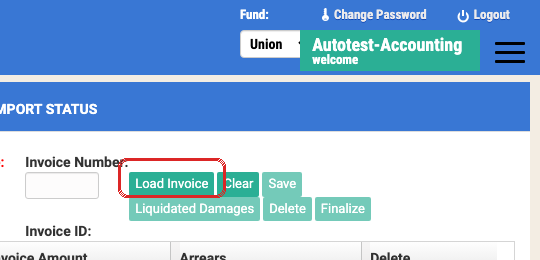
Click Load Invoice:
- No invoice exists yet for this employer/period/type → the modal shows only a Create Supplemental button. Click it to start fresh.
- One or more already exist → double-click the row to load it (single-click does nothing here).
Create Supplemental looks empty on purpose — that's the expected blank shell
Clicking Create Supplemental closes the modal and resets the whole Generate Invoices form: the member grid is empty, Total Amount/Total Member read $0.00/0, and both Invoice Number and Invoice ID stay blank. Confirmed live (2026-11-21, read-only click-through) rather than assumed — this is the correct "fresh, unsaved invoice" state, not a stuck page or a failed click. Save is also disabled at this exact point (it only enables once there's at least one line item), so don't interpret that as broken either. The blank screen is your cue to move straight to step 6, Add Existing Workers — not a reason to reload the page or click Create Supplemental again.

-
Click Add Existing Workers, then double-click each worker row you want on the invoice — double-click both adds the worker and closes the picker, so reopen it once per additional worker.
- Click Save. Confirm Yes on the "Confirm Save!" dialog. The invoice only gets a real
Invoice Number (e.g.
HW-1148) after this succeeds. -
When the invoice is correct, click Finalize, then confirm Finalize (not Save) on the dialog.
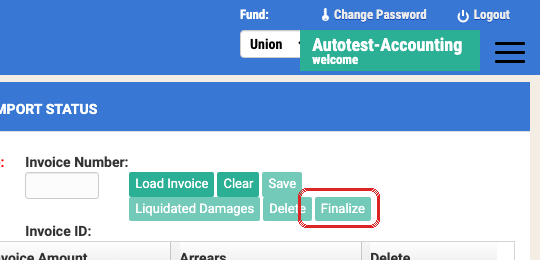
Finalize is a point of no return
Once finalized, the invoice can no longer be edited — and Process Remittances won't even show an unfinalized invoice in its own Load Invoice list, with no error explaining why it's missing. If a payment can't find the invoice it should be loading, check whether it was actually finalized before assuming it's a bug.
Things to watch out for
Numeric fields need a different fill pattern
Dollar-amount fields (invoice amounts, Liquidated Damages, deposit amounts) are Kendo
numeric spinners. A plain .fill()-style paste often fails silently — click the field,
select-all, then type the value. If a number field looks like it didn't take your input,
this is almost always why.
Watch for the Liquidated Damages placeholder row
The worker picker includes a "Damages / 10% Liquidated" placeholder row. Don't add it to a normal invoice unless you're deliberately working an LD scenario — see Apply Liquidated Damages.
A supplemental invoice can't be edited inline
If you need to amend an already-saved supplemental invoice's amounts, you can't just edit it in place — save it first, then amend it as a separate step. This is a real two-step workflow by design (parent/child relationship between the original and the supplemental), not a missing feature. (IUOE-1796)
An invoice can be silently missing a member or employer
If an expected invoice (or a specific member on one) doesn't exist, this project's history has more than one root cause — most often a data-migration gap (a PAC assessment or contract term not yet migrated), not an invoicing bug. Check assessment/contract-term presence before filing a new ticket. (IUOE-1730)